Find and organize activities near you.
Kyklos is an all-ages app to find and organize nearby activities. With a simple map, you see activities around you and meet like-minded people by sharing activities you enjoy.
Watercolor workshop
Supplies included
Canal Saint-Martin run
6'00/km pace • 45 min
Doubles tennis
Clay court
Discover KYKLOS in action
An intuitive and modern interface to discover and organize activities near you.
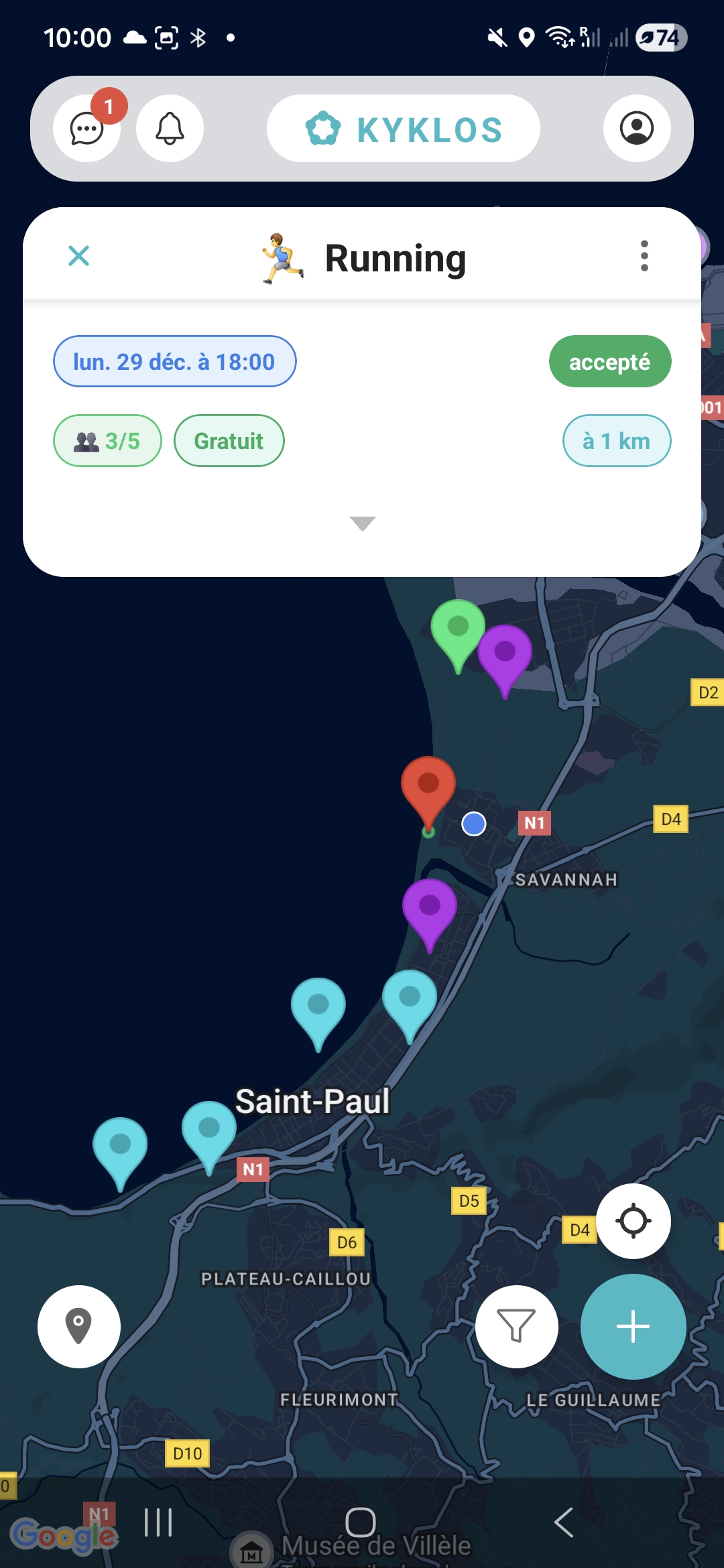
Interactive map
Explore activities around you on a clear map. Click on an activity to see all the details and join the event you like.
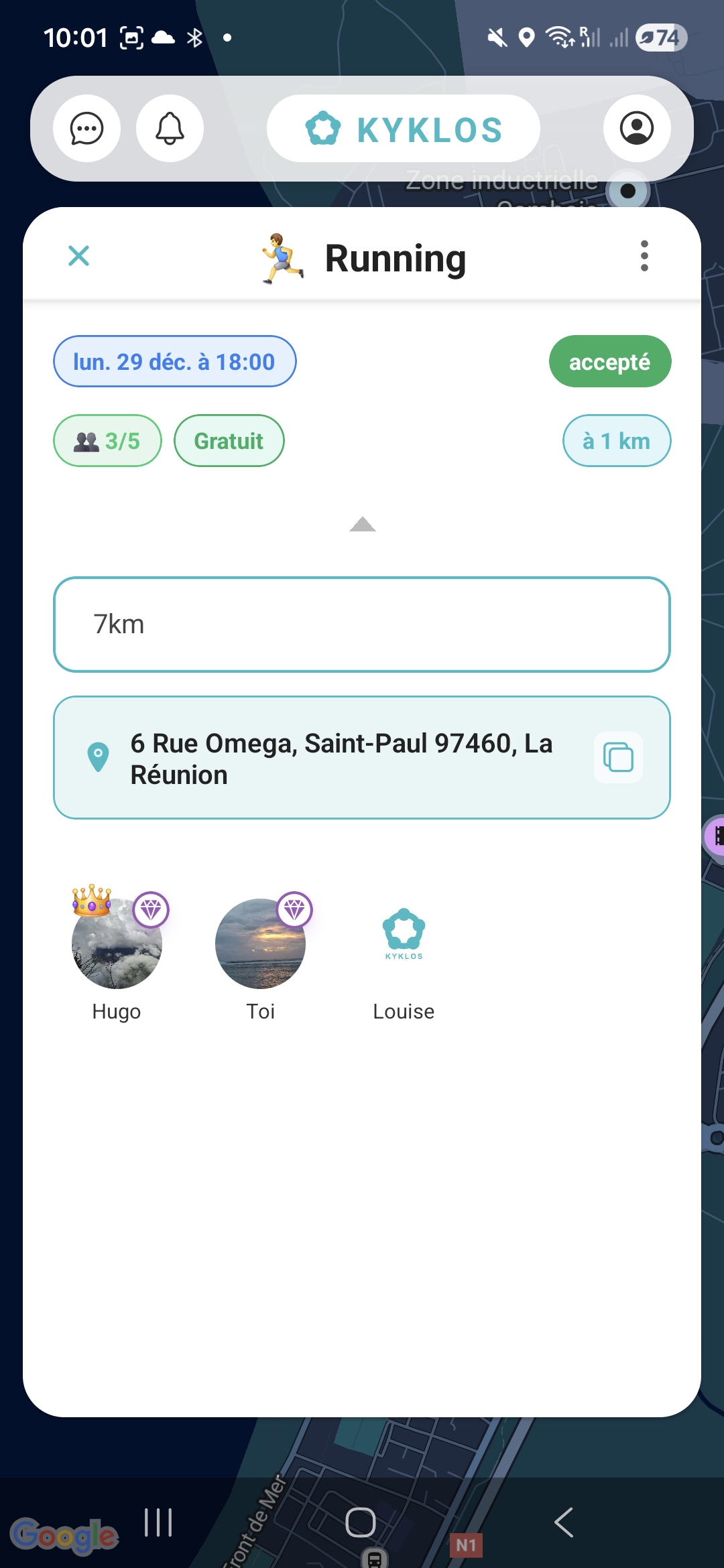
Activity details
View all activity information: date, duration, participants, and target audience, then access the chat directly to connect with others.
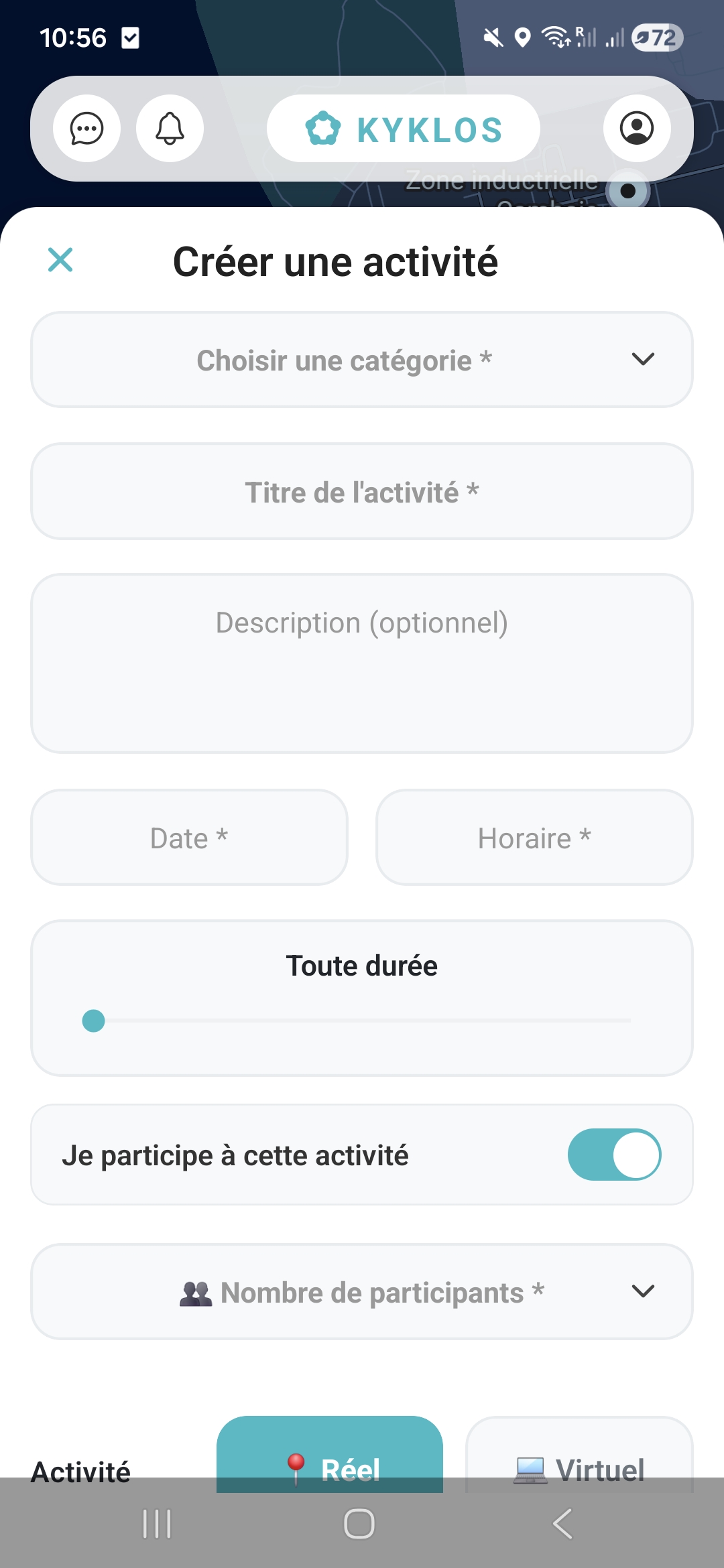
Create an activity
Easily create an activity in a few clicks: choose the category, set the date, time, number of participants and enable chat to coordinate with participants.
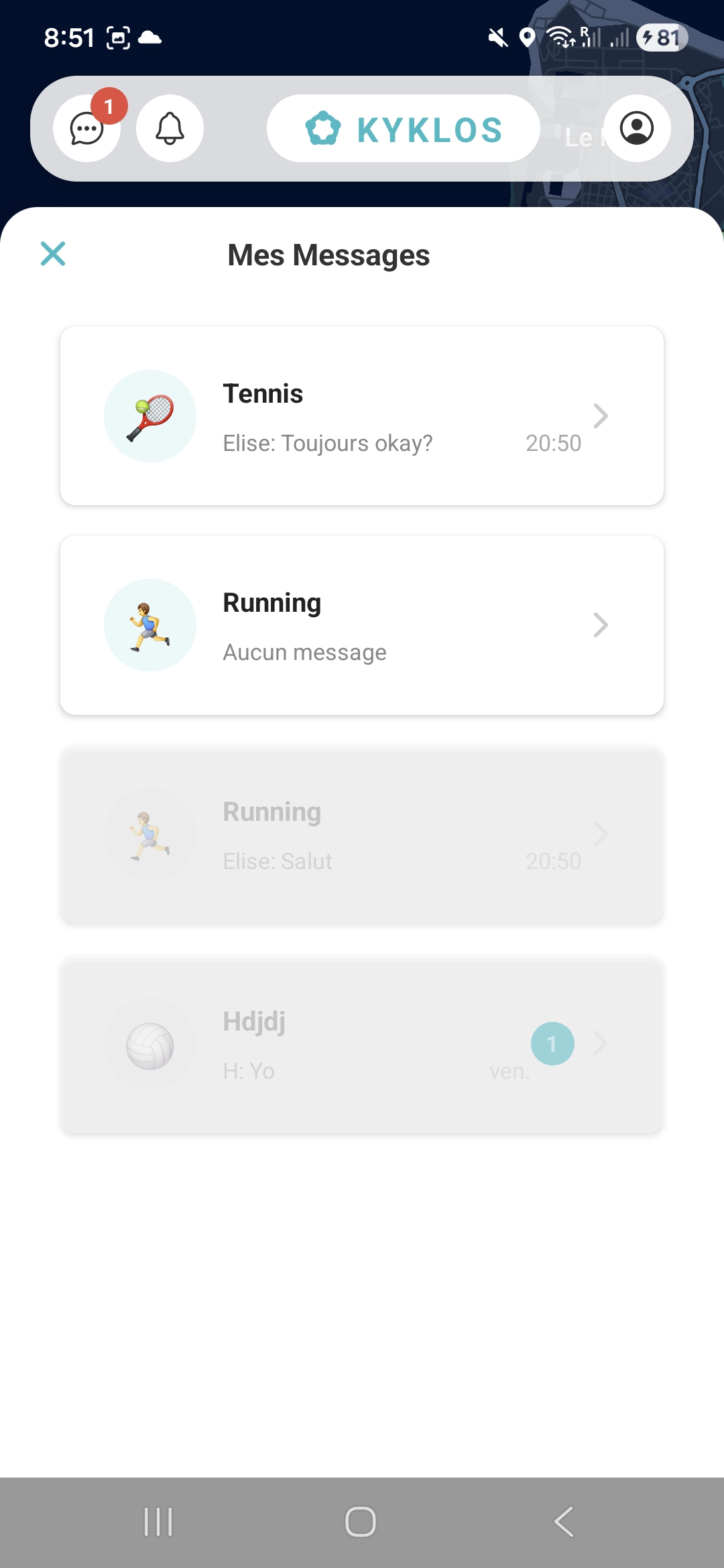
Activity chat
Communicate directly with activity participants. Each activity has its own chat to coordinate easily before meeting up.
An experience focused on essentials
A simple map interface to see activities around you, organize them, and meet people through shared interests.
Map discovery
A clear map, nearby activities, and filters to quickly find what you like.
Requests & management
Join an activity simply, and as an organizer keep control over requests and spots.
Activity chat
Chat directly in the activity to coordinate easily before meeting up.
Subscriptions
Choose what fits your usage. Search radius increases with the plan.
- Radius: 30 km
- Join: up to 5 ongoing activities
- Create: up to 2 ongoing activities
- Radius: 100 km
- Join: unlimited
- Create: up to 5 ongoing activities
- Radius: 300 km
- Join: unlimited
- Create: up to 15 ongoing activities
FAQ
I received an activity link, how does it work?
Open the shared link: it displays a clean web page (preview) and redirects to the app if installed.
Why don't some activities appear?
Depending on your filters (radius, date...), or if an activity is full / not visible for your profile, it may be hidden.
How to contact support / join the beta?
Go to the Support page and indicate your phone model + a screenshot if possible.
Privacy
You can view the privacy policy and terms of service via the links at the bottom of the page.